Capture. Record. Read. Free on your Mac.
Try capturing on the demo desktop- macOS 26 Tahoe or later
- Apple silicon
- Not released yet
Try OhMyShot in your browser
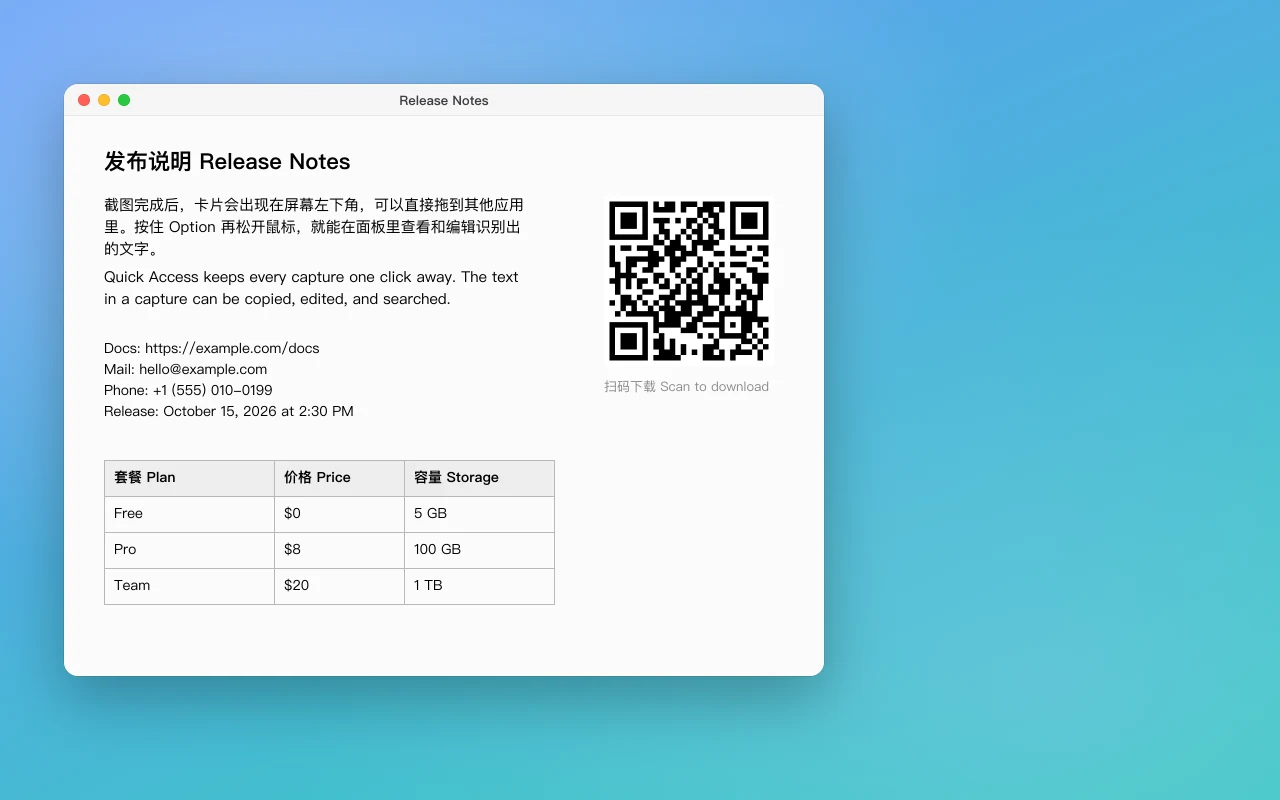
Use the Try it keys, or focus the desktop: arrows move, Space starts and ends a selection, Esc cancels.
Good to know.
A few things before your first capture.
What is OhMyShot?
A capture app for macOS that lives in the menu bar: screenshots, screen recordings, annotation, pins, a color picker, a pixel ruler, and text recognition, in one app. It is free software under the GNU GPL v3, developed in the open on GitHub.
Is it really free?
Yes. The app is free and its complete source is on GitHub under the GPL-3.0 license. There is no subscription and no paid tier, and nothing in the app is locked. Priority Support is optional: email help from the developer, not a feature of the app.
Can I download it?
Not yet: no release has been published. You can build it from source today with Xcode 26 and XcodeGen; the install guide walks through it. When the first release is out, the download keys on this page lead straight to it.
Which Macs does it run on?
Macs with Apple silicon running macOS 26 Tahoe or later. It is developed and tested on macOS 27 (beta); it builds for macOS 26 but hasn’t been run there yet. Saving the last 15 seconds of the screen needs macOS 27.
What can it capture and record?
Areas, windows (with or without their shadow), full displays, the previous area, and timed captures; an area can cross displays, and the screen freezes while you choose. It records a screen, a window, or an area to MP4 or GIF, with system audio, microphone, camera, clicks, and keys, and Studio edits a recording afterwards with zooms that follow the cursor. Scrolling Capture stitches a long page into one picture.
Can it read the text in a screenshot?
Yes, on your Mac. Capture Text copies the words in an area. The Recognized Text window shows them beside the picture, finds tables, links, and codes, and translates the text, also drawn over the original. Optional model packs read Chinese and Japanese more accurately (15.8 MB), formulas as LaTeX (219 MB), and tables and charts (1.12 GB). Nothing leaves your Mac unless you set up a cloud model with your own API key.
Does it use power while it waits?
Hardly. In the menu bar it runs no timers, polls nothing, and holds no capture streams. The developer publishes measured numbers, misses included; these were measured with Debug builds on one Apple silicon Mac in October 2026:
| Measure | Target | Measured |
|---|---|---|
| Idle CPU after launch (60 s average) | 0.0% | 0.06–0.09% |
| Idle wakeups | under 1 per second | 0 |
| Memory after launch | under 30 MB | 26 MB |
| Shortcut to the selection overlay | p95 under 50 ms | p95 9.8 ms |
The full table is in the README.
Where do my captures go?
Nowhere until you choose. A capture goes to the clipboard and appears as a Quick Access card to copy, save, mark up, pin, upload, or drag out; nothing is written to a folder until you save it, unless you turn on saving after capture. Capture History keeps your captures on your Mac, searchable by the words in them, for as long as you choose (one week by default).
Can I upload captures to my own storage?
Yes: S3-compatible storage (Cloudflare R2 included), WebDAV, or your own HTTP endpoint, and a ShareX .sxcu uploader can be imported. Uploads go only to storage you set up, never to a service of ours.
Does it work with Shortcuts, Raycast, and CleanShot X URLs?
Yes. OhMyShot answers CleanShot X’s URL commands under ohmyshot://, offers actions in Shortcuts and Spotlight, and comes with a Raycast extension that isn’t in the Raycast Store yet. Each app that sends commands is approved once. The automation guide lists every command.
Which languages is it in?
English, Simplified Chinese, Traditional Chinese, Japanese, Spanish, and French. It follows your Mac’s language, or the one you pick in Settings › General. This website is in English and Simplified Chinese.
How does it update?
Release builds look for updates on GitHub about once a day, using Sparkle, and never download one before you choose it. Debug builds never check.
What is Priority Support?
A one-time purchase of $9 or ¥68 that covers 12 months: write to support@ohmyshot.org from your account’s address and you’ll get a reply within 2 business days, ahead of everyone else’s email. It never renews by itself, and the app is the same with or without it. Paddle handles the payment as our reseller.
Can I pay with Alipay or WeChat Pay?
Yes, when you visit from China. Checkout offers payment methods by IP address and currency: on a connection from China it offers WeChat Pay, and Alipay for amounts in yuan. If you use a VPN or proxy, turn it off before you check out.
Thank you.To everyone with Priority Support.
People with Priority Support can choose to stand here while it lasts.
No one is on the wall yet.
Arrow keys move between people.
Your picture could stand here. People with Priority Support choose to appear from their account.